✦
Standard RenderInterior Design
Effortlessly tailor interior designs to fit your firm's style with Toscape's precise rendering.

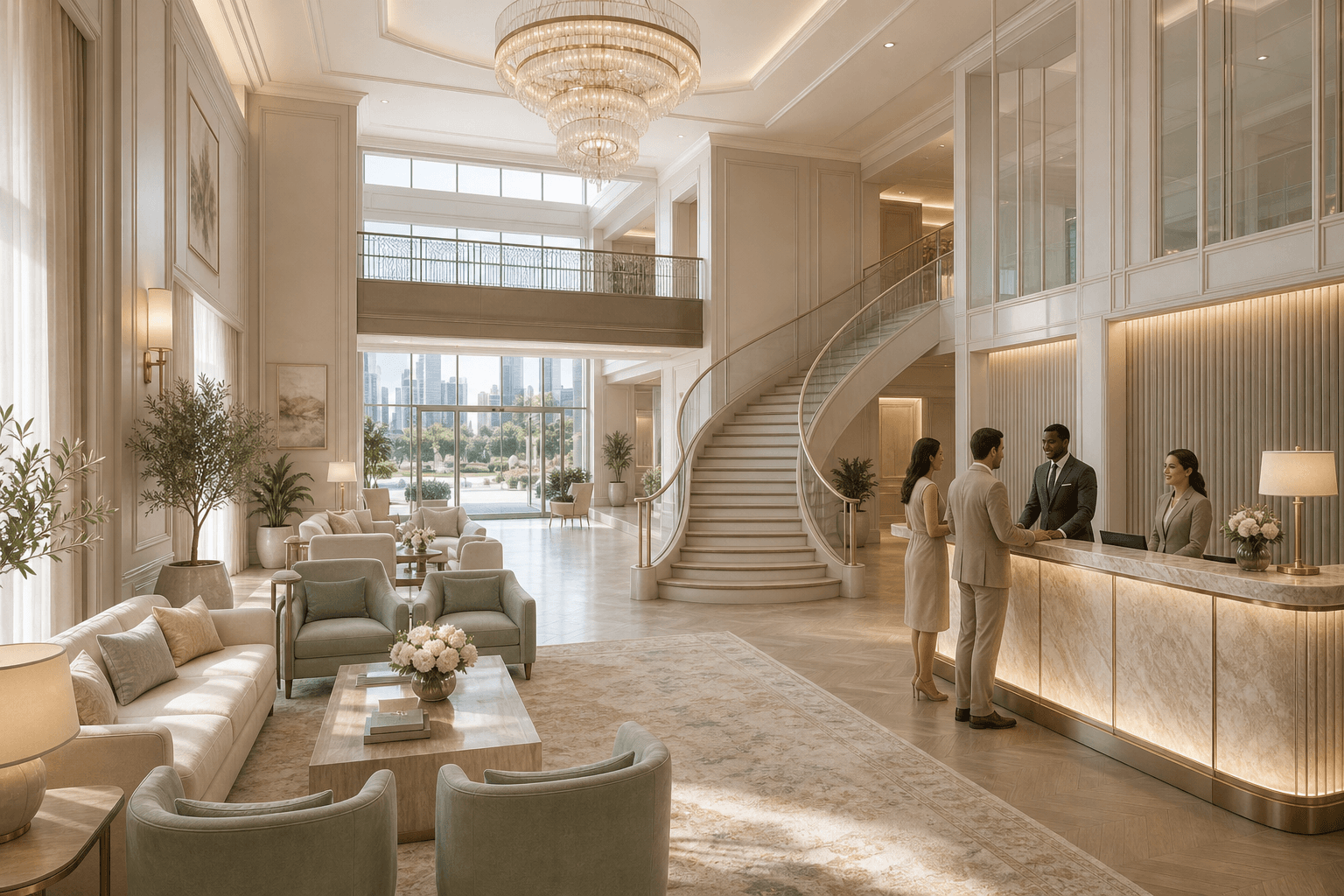
BeforeAfter
What it does
The 'Interior Design' feature in Toscape AI allows architects and interior designers to rapidly explore and render various interior design options. By leveraging Toscape's rendering capabilities, users can visualize different design elements and configurations, ensuring that each project aligns with their firm's unique aesthetic.Who it is for
This feature is ideal for architects and interior designers seeking to streamline their design process. Whether you're working on residential, commercial, or hospitality projects, Toscape's 'Interior Design' tool helps you maintain creative control while efficiently exploring new possibilities.How to use it
1. Open Toscape AI: Launch the Toscape application on your Windows desktop. 2. Select 'Interior Design': Navigate to the 'Standard Render' category and choose 'Interior Design'. 3. Customize Your Design: Use the interface to adjust design elements according to your project's requirements. Options may include furniture placement, color schemes, and lighting. 4. Render Your Design: Once satisfied with your selections, initiate the rendering process. Each use of the 'Interior Design' feature costs 3 credits. 5. Review and Save: After rendering, review the output to ensure it meets your standards, then save or export the design as needed.Workflow note
Toscape AI integrates seamlessly into your existing workflow, offering a desktop application that allows for efficient design exploration. Ensure you have sufficient credits in your account to utilize the 'Interior Design' feature effectively.Try Interior Design on your own device
Run this workflow from the Windows app, then manage plans, releases, and support through Toscape's companion platform.