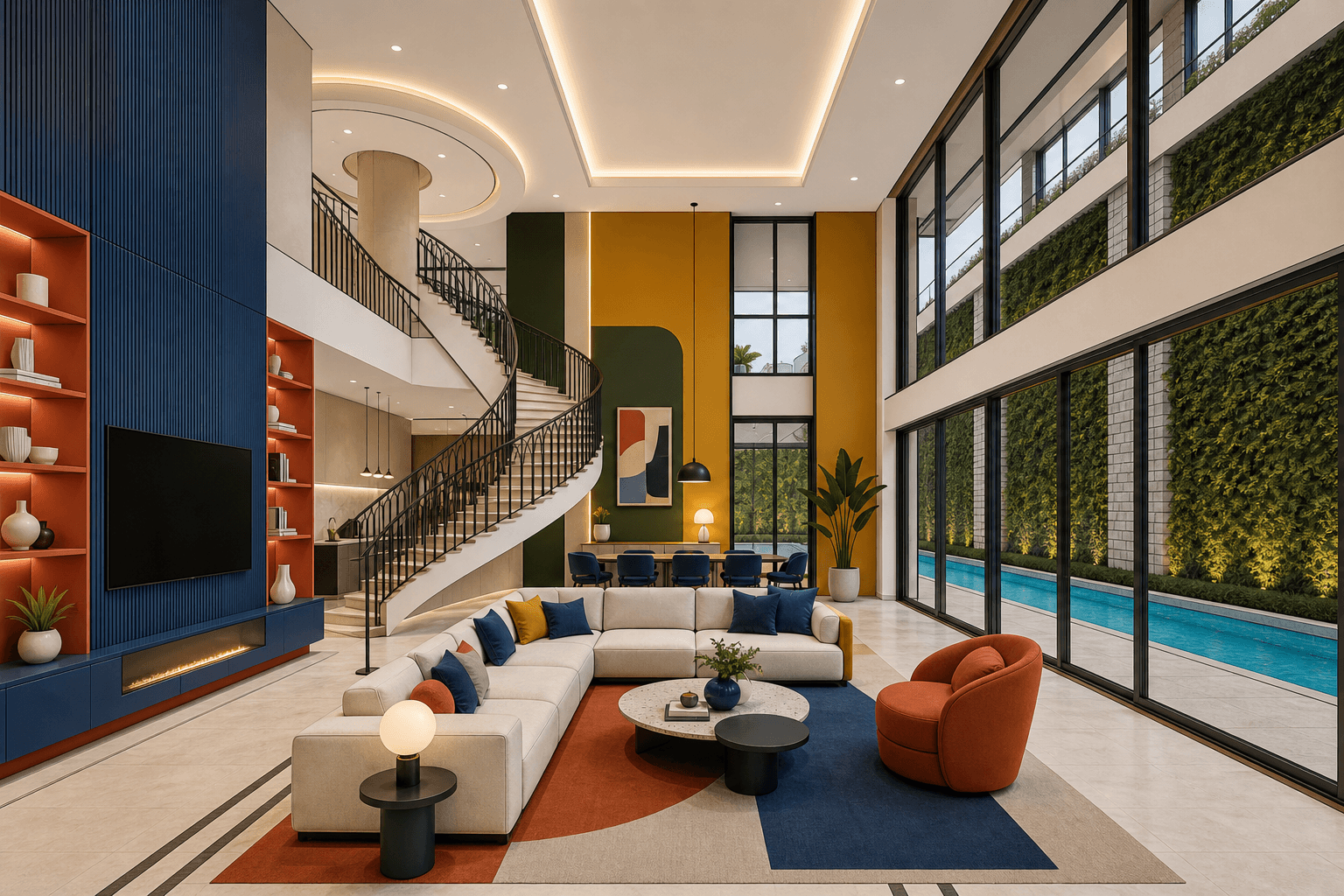
Private Architectural AI Workflow
Professional architectural workflowswithout sending client projects to public websites.
Toscape is a Windows application for studios that need tighter control over drawings, renders, facade studies, finish decisions, and client revisions. Choose one focused tool, keep work on approved devices, and transmit only the request data required by the selected provider.
Studio-safe operating model
Built for professional practice, not public posting.
01
Start from your own workstation
Use approved local project files, screenshots, plans, or renders without shifting the whole job into a public browser workflow.
02
Open one dedicated tool
Move directly into concept, re-render, finish, style, presentation, or context work without mixing unrelated steps.
03
Send only the needed request
Provider usage stays tied to the selected feature, so the payload stays focused on that generation task.
04
Return to studio delivery
Use Academy for method, Gallery for proof, and the desktop app for the actual production workflow.
Live desktop scope
20+ current tools
Mapped one-by-one to the real Windows workspace.
Studio control
Provider-aware requests
Send only the request payload needed for the selected workflow.
Verification path
Academy + examples
Review the lesson path and before-after proof for each tool.
Current Product Direction
A direct map of the live desktop toolset.
Each function is separated as its own topic so architects can move from a real studio task to the exact tool, lesson, and example that supports it.
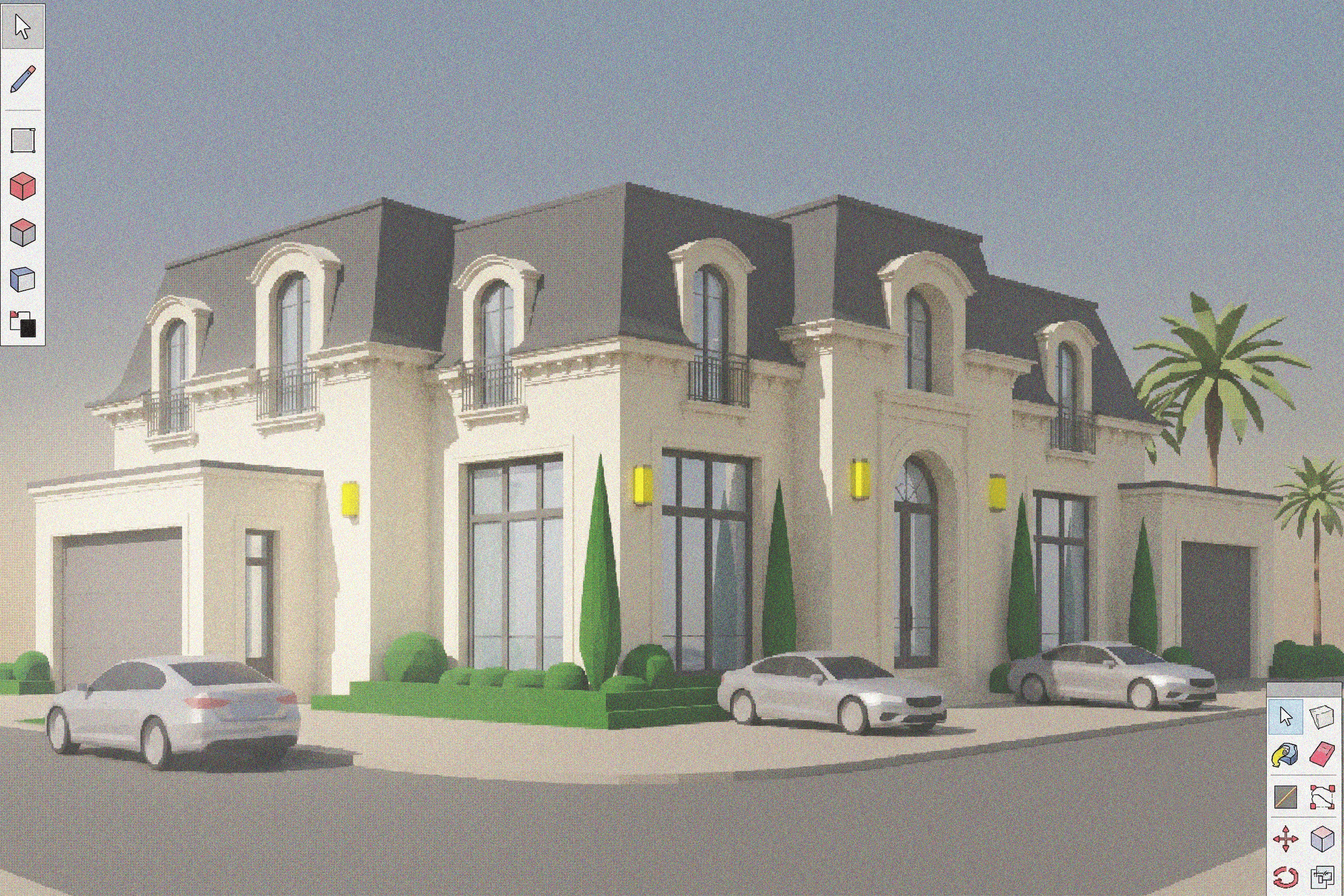
Concept
Generate early design directions fast while keeping the massing and intent ready for discussion.

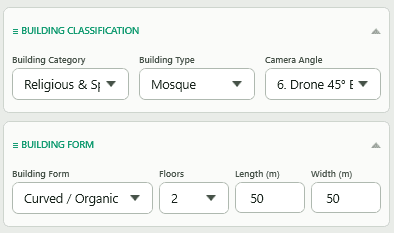
BeforeAfter
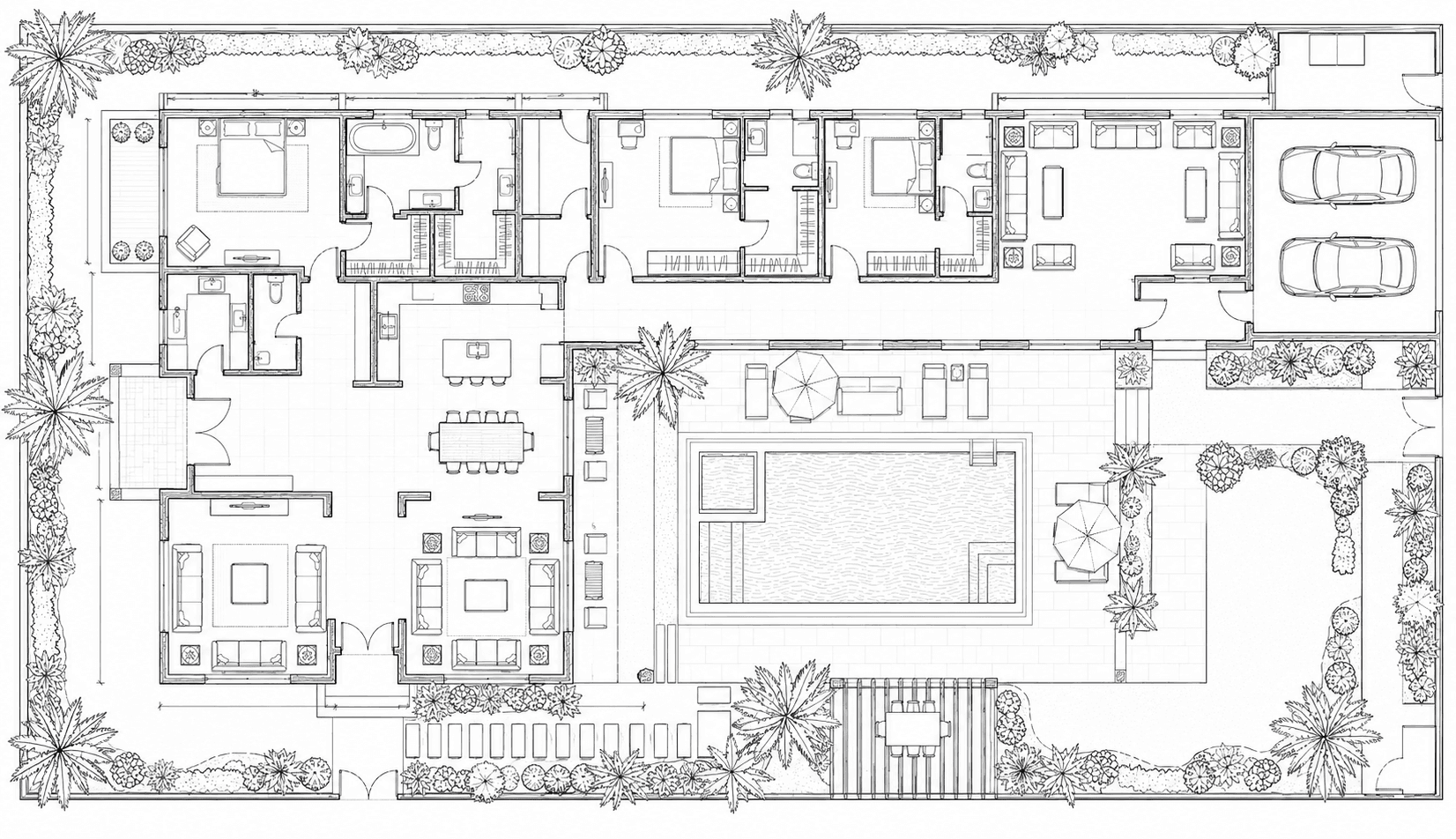
Sketch to Render
Turn hand sketches or linework into presentation-ready imagery without rebuilding the scene from scratch.


BeforeAfter
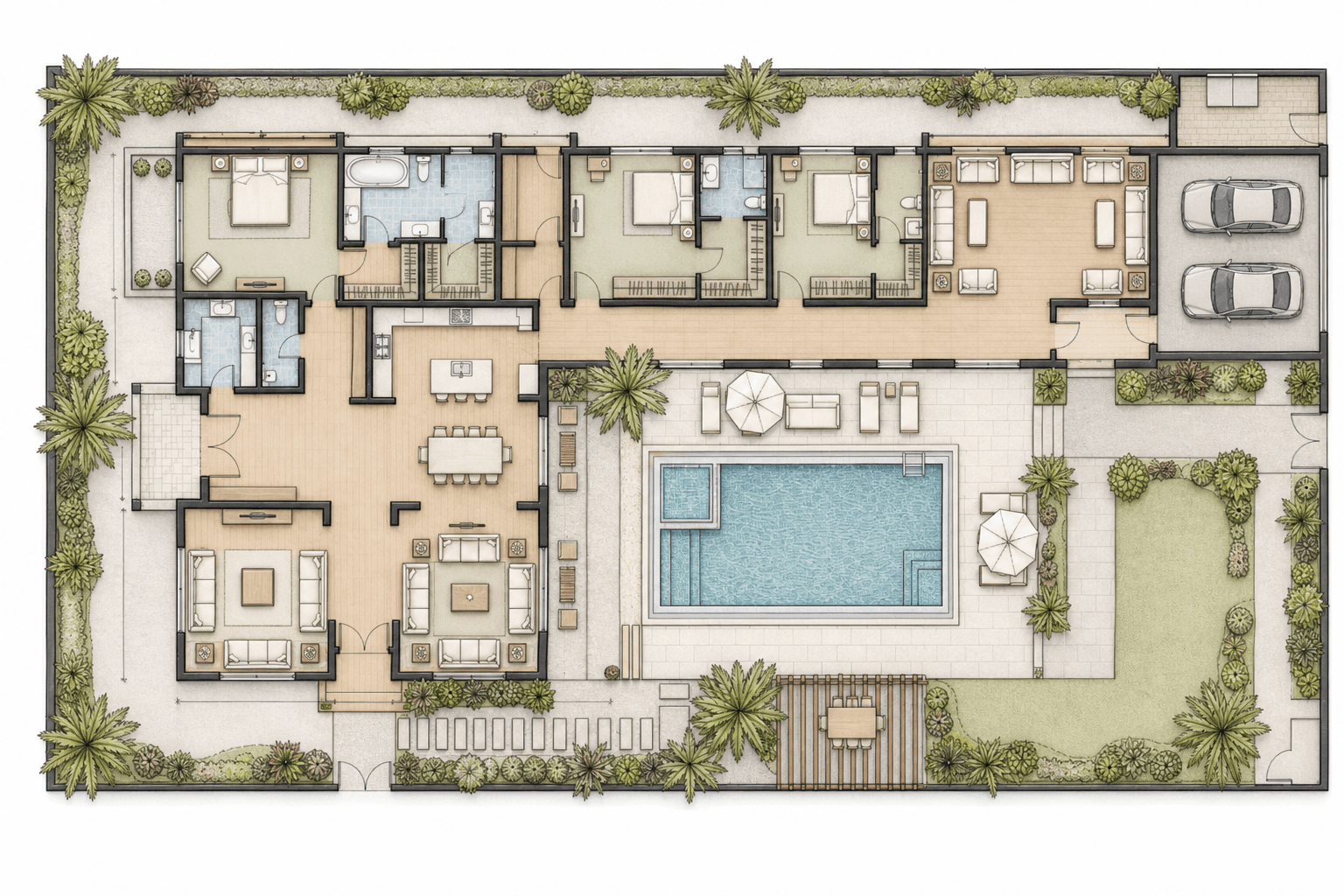
Floor Plan Render
Convert plan drawings into polished visual output for marketing, layout review, and fast option comparison.
Presentation & Delivery
Concept & Ideation
Design Development
Revision & Cleanup
Ready to learn the current workflows and test them on your own device?
Start with the Academy if you want the updated workflow map, or download Toscape and evaluate the full workspace directly on Windows.